Good morning, welcome back
Here's what's new this month
Product update
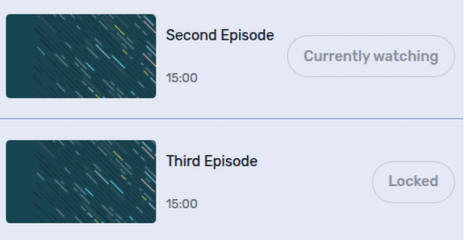
Guide viewers through a webinar series in order
Make viewers watch each on-demand webinar in a series before they can open the next one. Each completed episode unlocks the following part, helping you create a clear learning path and keep important context in order. Viewers can continue from the first episode they have not watched yet.
Read more